AI SPRITE ANIMATION FOR GAME DEVELOPERS
Stop fixing AI images.
Start shipping game-ready animation.
Create smooth, consistent spritesheets that are ready for your game engine—not another image you have to fix.
Create my spritesheetBuilt by the creator of RPGJS · 1,600+ GitHub stars · Cloudflare for Startups
START WITH YOUR IDEA
What do you want to animate?
NEW IN V3 · GAME FX
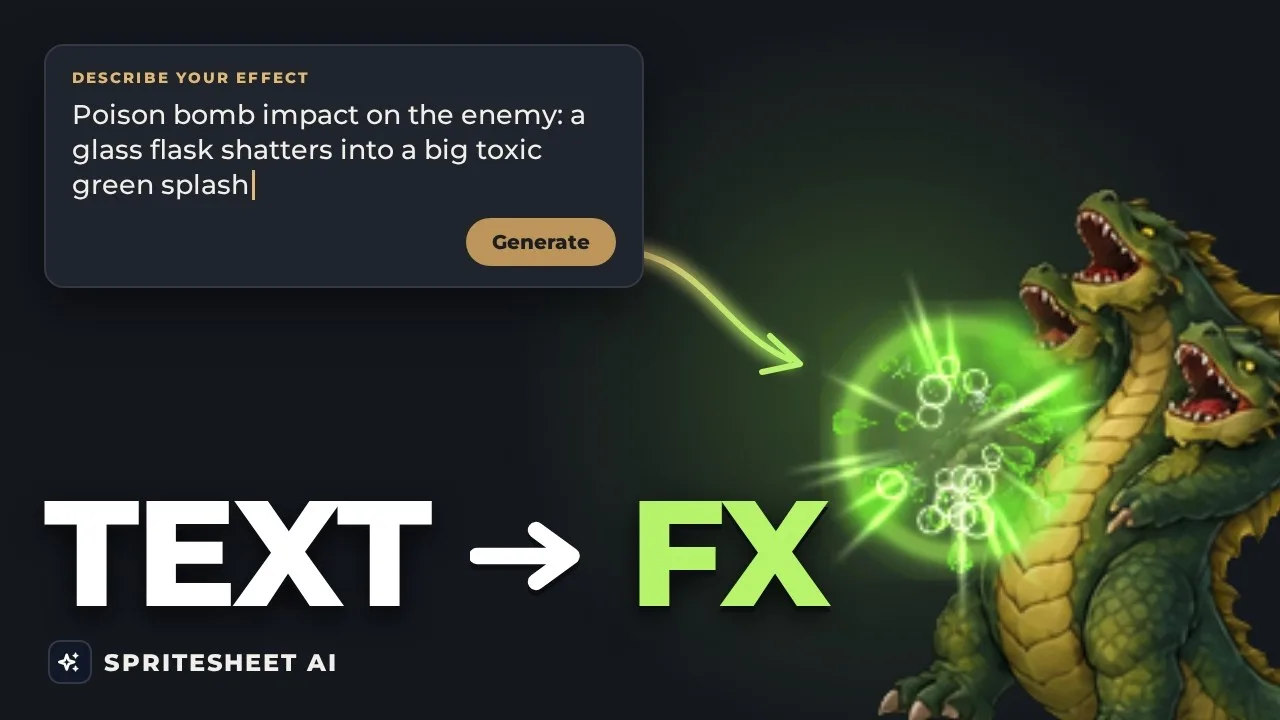
Type a sentence. Get game-ready FX.
Describe a fire attack, an ice burst or a magic circle. Spritesheet AI generates an animated effect you can tune for free—colors, intensity, size and speed—then triggers it from your spritesheet animations.
- Tweak colors, intensity and speed without spending credits
- Trigger effects from your character animations
- Export for Godot, Unity, GameMaker and more—also through the API and MCP
01 / ANIMATE
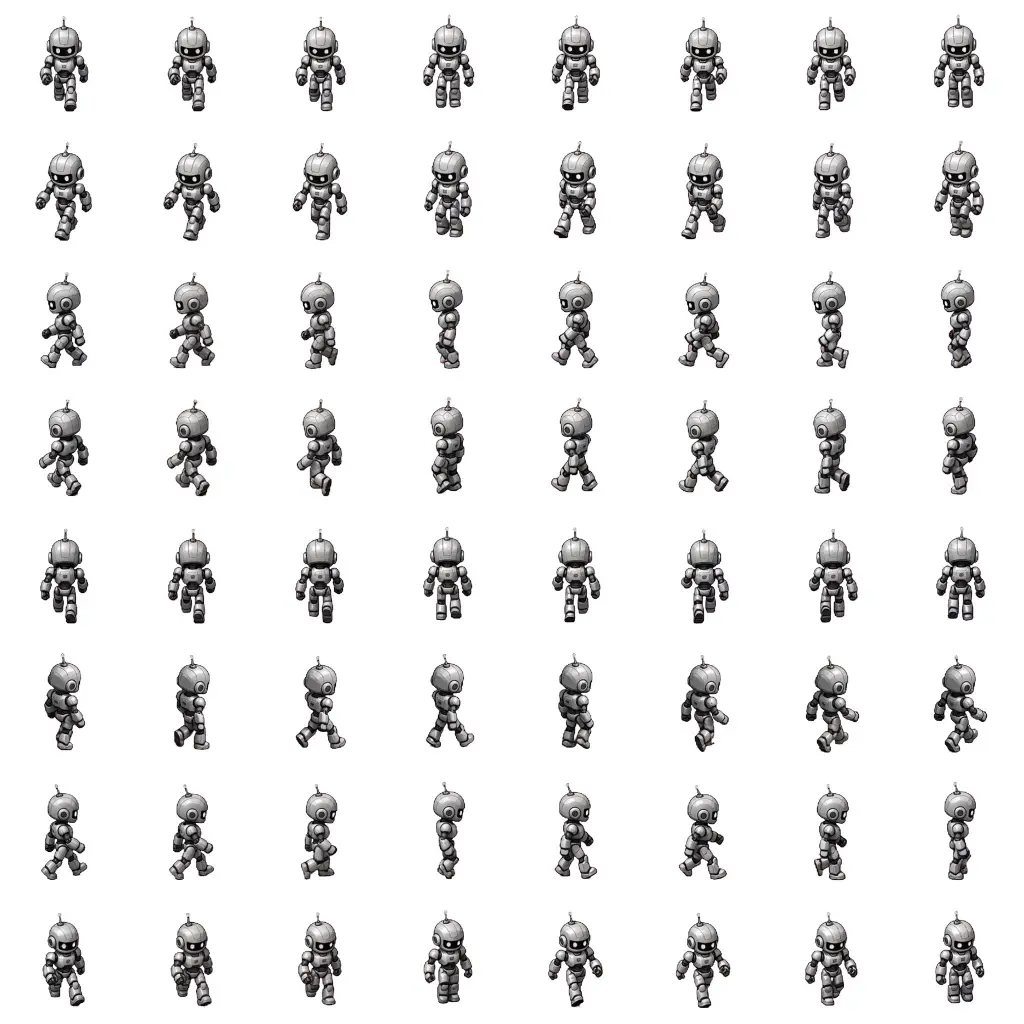
Create every direction—or combine movement with actions.
Generate up to 8 animations at once, with up to 8 frames per animation. Build a full 8-direction movement set, or use 4 directions and add actions such as attack, idle, or hit—all kept consistent in one generation.
- One pose per generation→Up to 8 animations at once
- Jerky, inconsistent frames→Smooth, aligned animation
02 / ART DIRECT
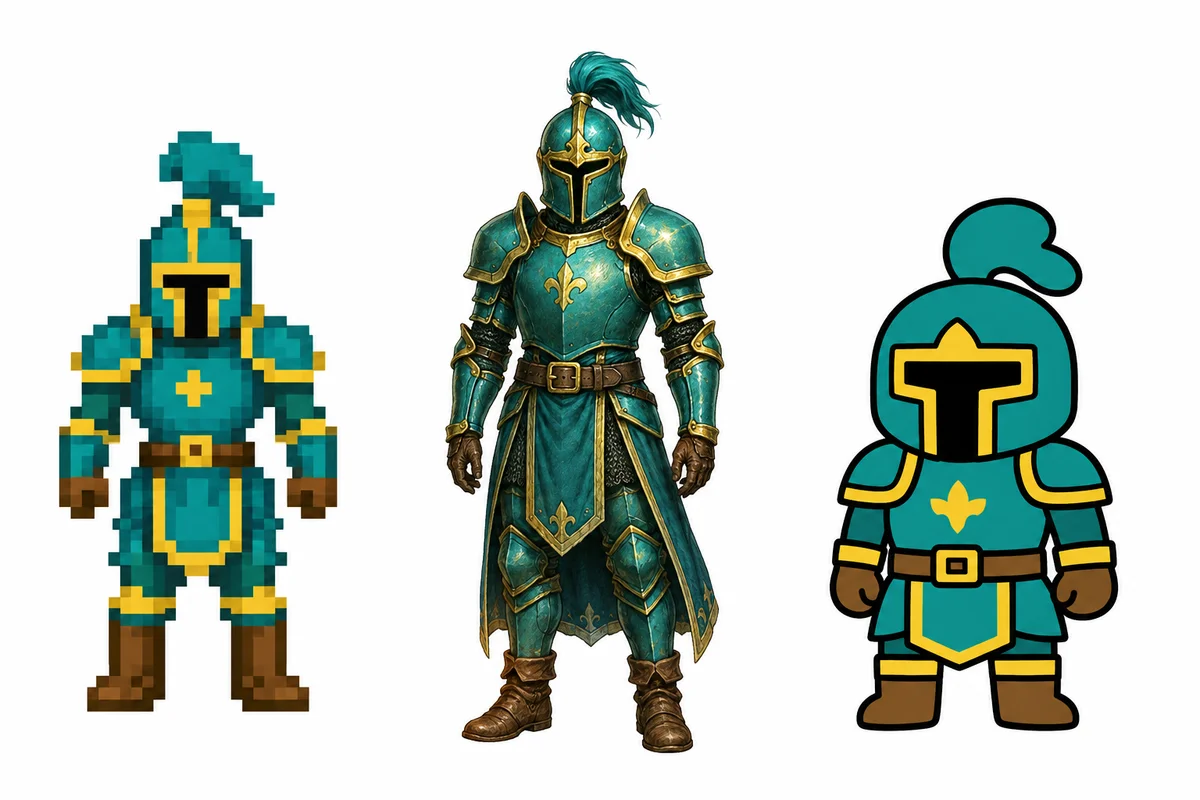
Your character. Your game's style.
Use built-in game contexts, visual styles, actions, directions, and motion presets. Spritesheet AI turns clear choices into a reliable animation brief before generation starts.
03 / BRING IT INTO YOUR GAME
Download a game package, not just an image.
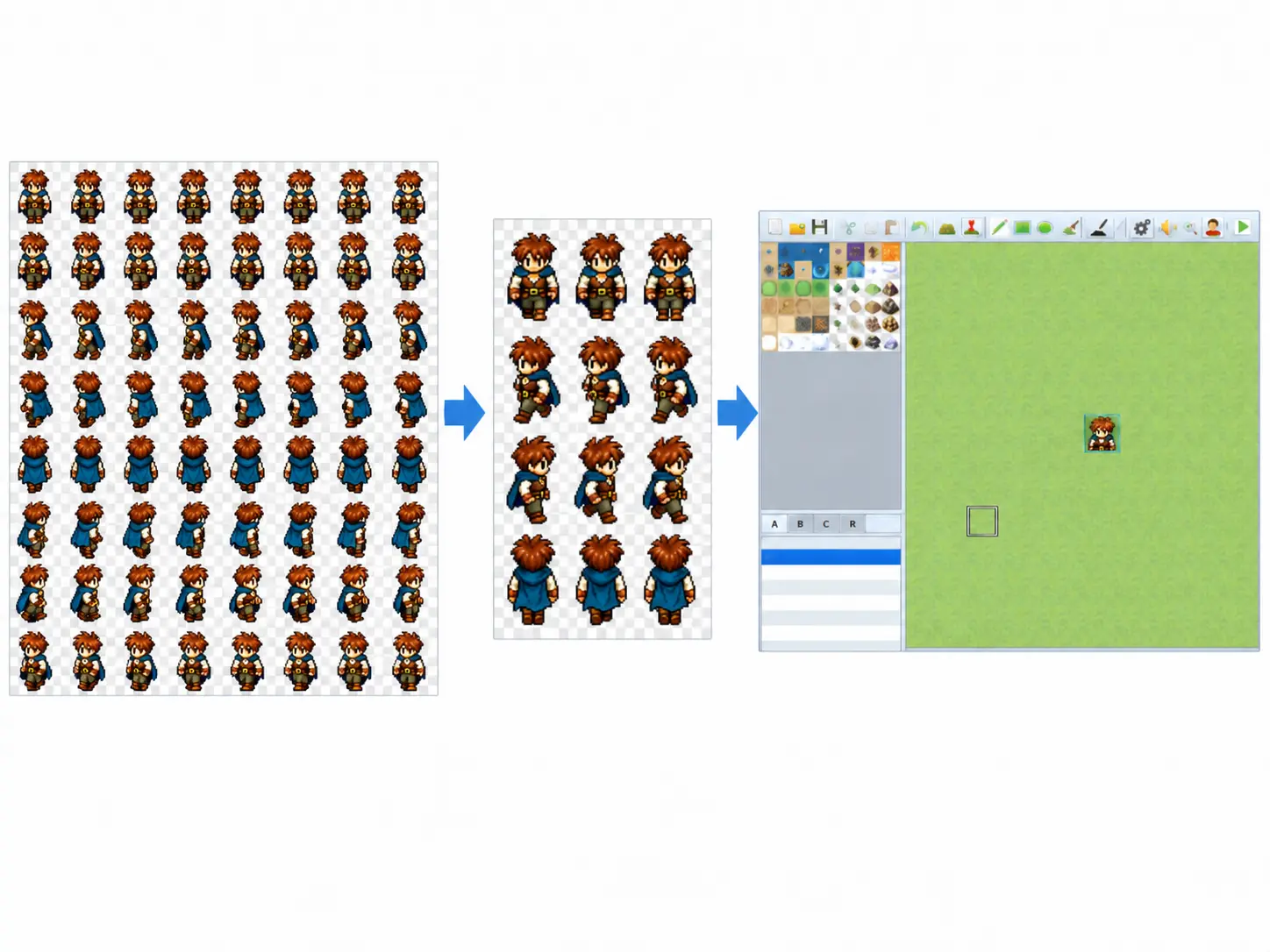
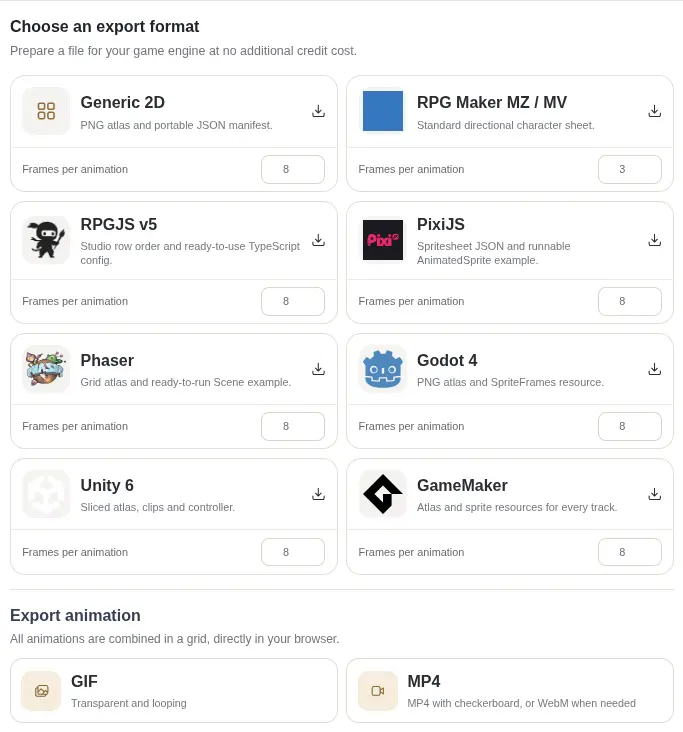
Export the transparent atlas with its metadata and engine-specific integration files. Drop the result into Godot, Unity, RPG Maker, RPGJS, Phaser, PixiJS, or GameMaker.
See export formats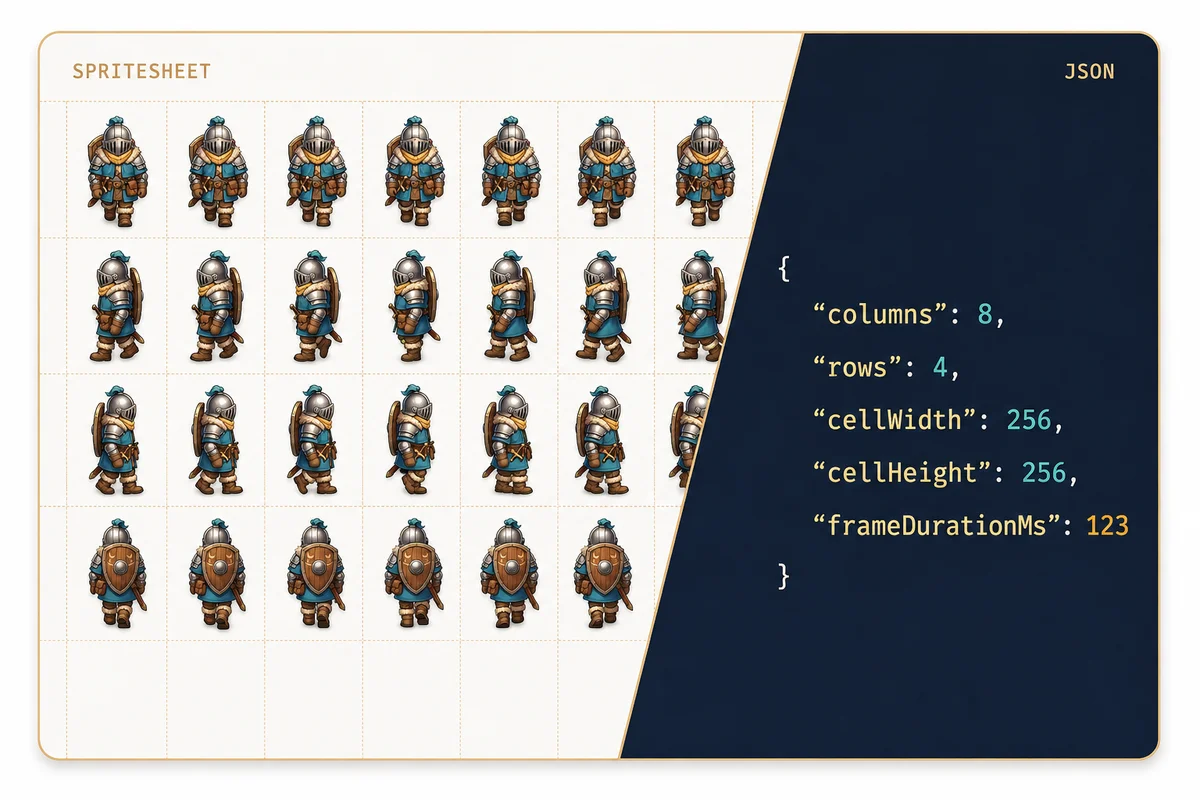
04 / BUILD WITH YOUR AGENT
Put asset creation inside your coding loop.
Connect Codex, Claude Code, or another agent through MCP. Your agent can request a spritesheet, check its status, and prepare the correct engine package while it builds the game.
Prefer a direct integration? The same workflow is available through the HTTP API for scripts, build pipelines, and editor extensions.
Connect an agent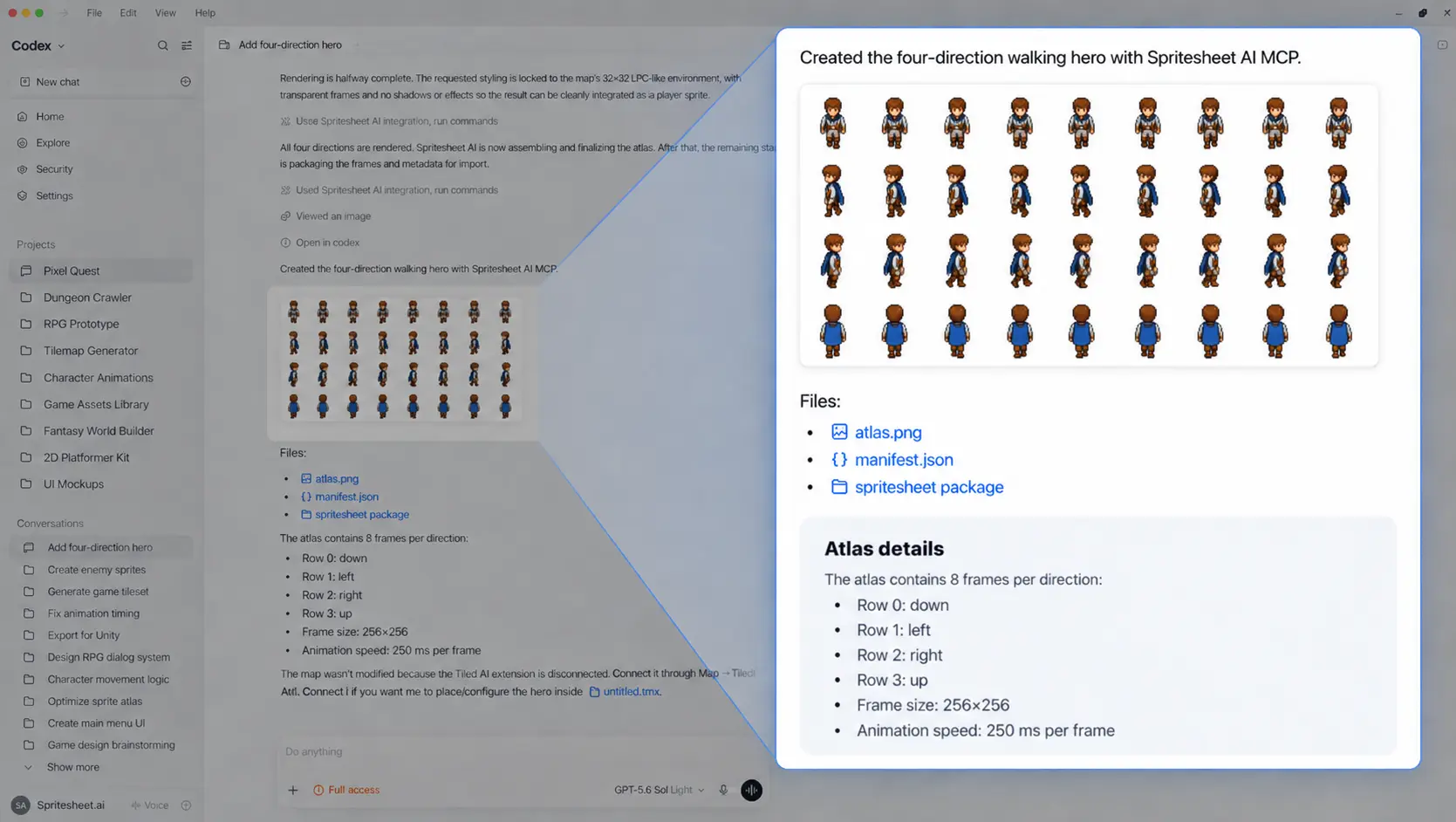
05 / PUT YOUR NAME ON IT
Publish your work—and let people discover it.
Give every public creation a shareable page with your name, animation preview, unique view count, and download count. Your spritesheet becomes proof of your work, not a forgotten file.
Explore community creations