Animation workflow
From a character idea to a complete animation set.
Create aligned animation tracks, choose your directions, and export a game-ready spritesheet.
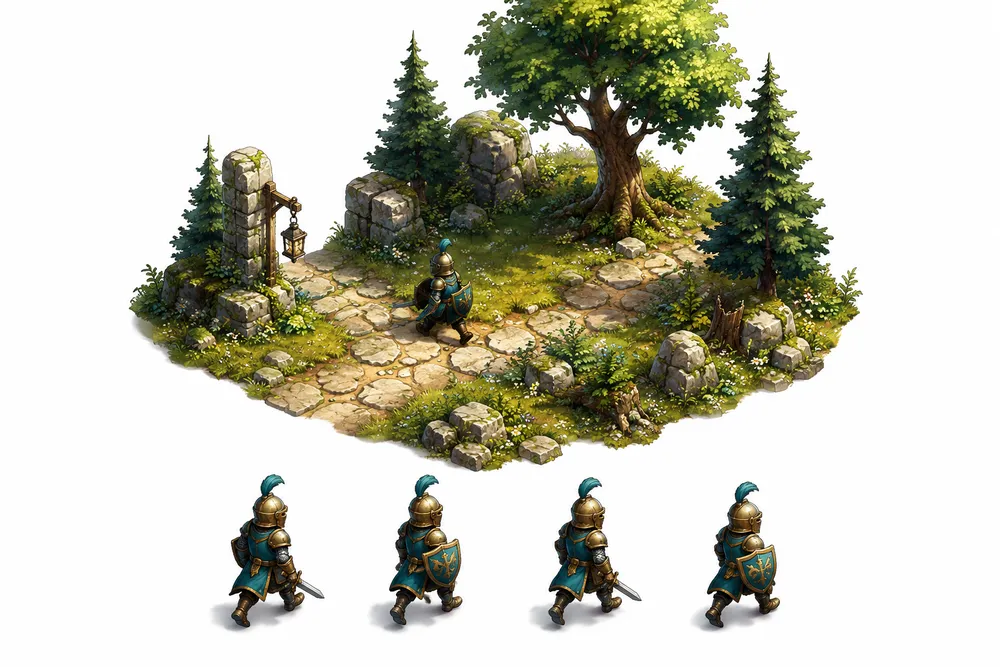
Start with the character, not the grid
Describe the character’s silhouette, clothing, palette, and role in your game. Choose the game context and visual style in the generator so your brief can focus on the creative intent.
Plan the moves your game actually needs
One generation can contain up to 8 animation tracks with up to 8 frames each. Use the tracks for eight movement directions, or choose four directions and reserve the others for actions such as attack, idle, or hit.
Check the motion before importing
Play each track and look at the loop boundary, foot placement, and character silhouette. An atlas can look convincing as a still image while revealing jumps when animated. Review the result at the size it will appear in your game.
Take the animation data with you
Choose your engine export instead of saving only the image. The package includes the atlas and metadata or engine-specific files so you can bring the animation structure into your project.
Try it with your character.
Start with a brief, then choose your style and animation settings in the app.
Before you start
Can I use the result in my game engine?
Choose an engine package after generation to receive an atlas and the associated metadata or integration files. Review the result in your game before using it in production.
Can I automate this workflow?
The generation and export workflow is also available through the HTTP API and MCP.